
Use PASMO with Apple Pay

PASMO is an IC card that can be used on public transportation in Japan. Add it to the Wallet app on your iPhone or Apple Watch for quick, easy, and convenient use.
- Note that the PASMO app is required for some services such as a commuter passes.
How to create a new PASMO in the Wallet app

Setup (iPhone)
-
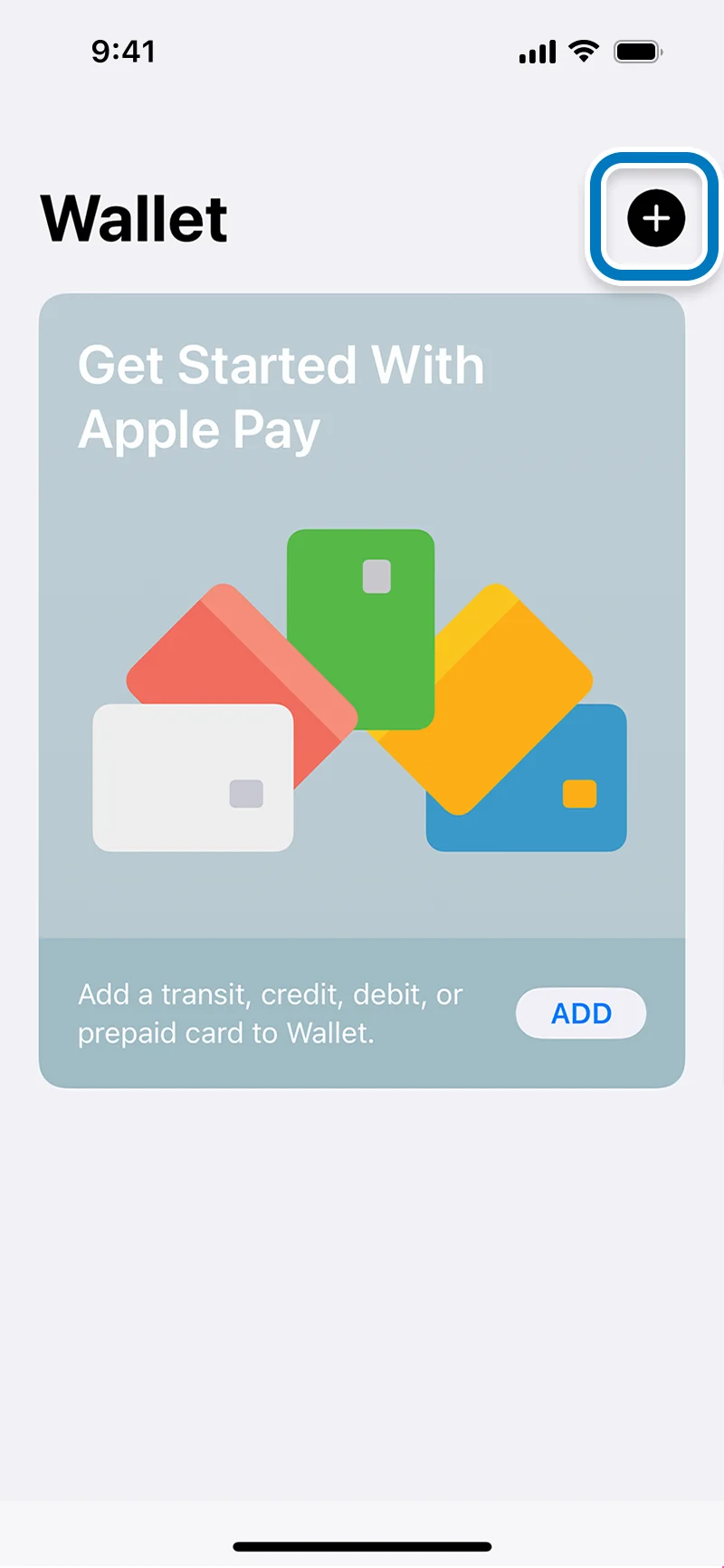
Open the Wallet app and tap "+" button.
-
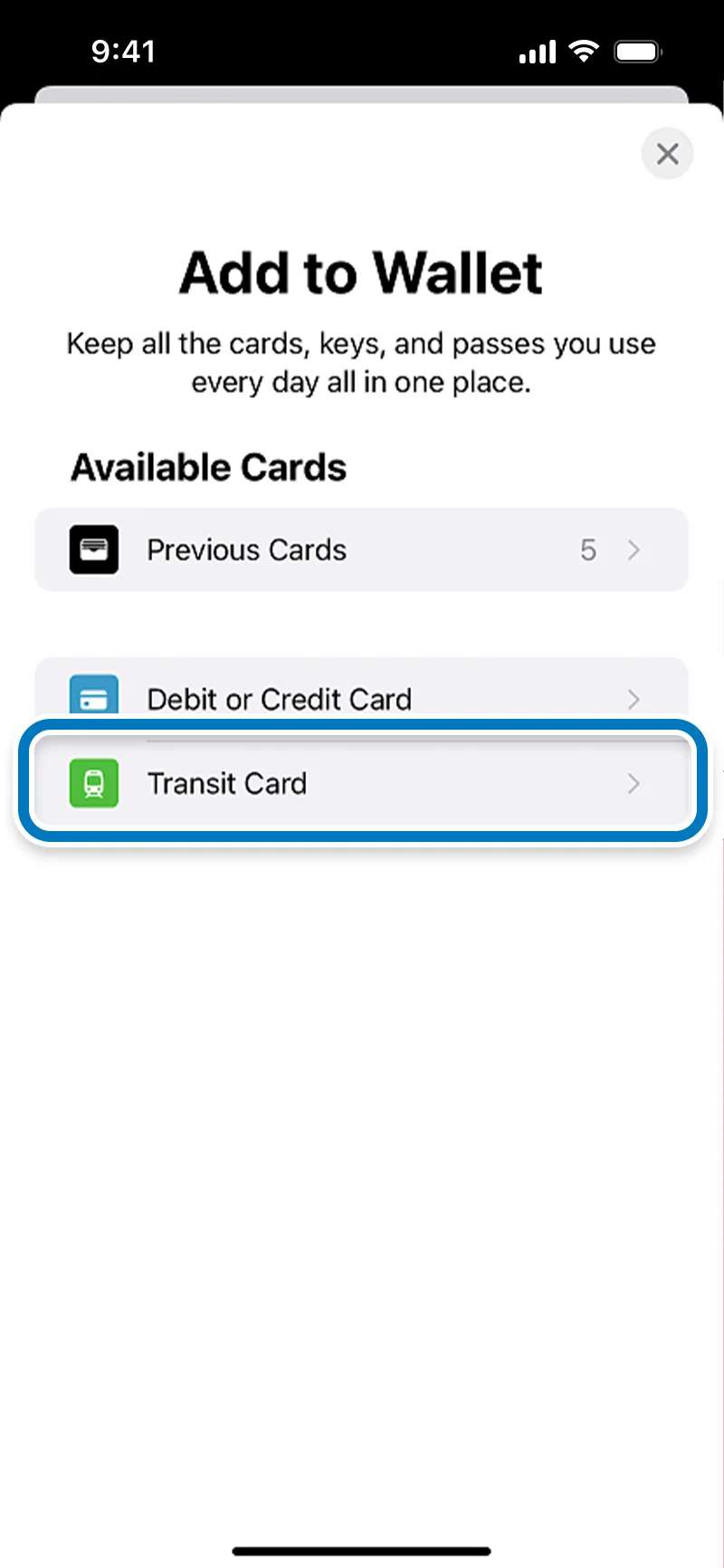
Tap "Transit Card" on the "Add to Wallet" page.
-
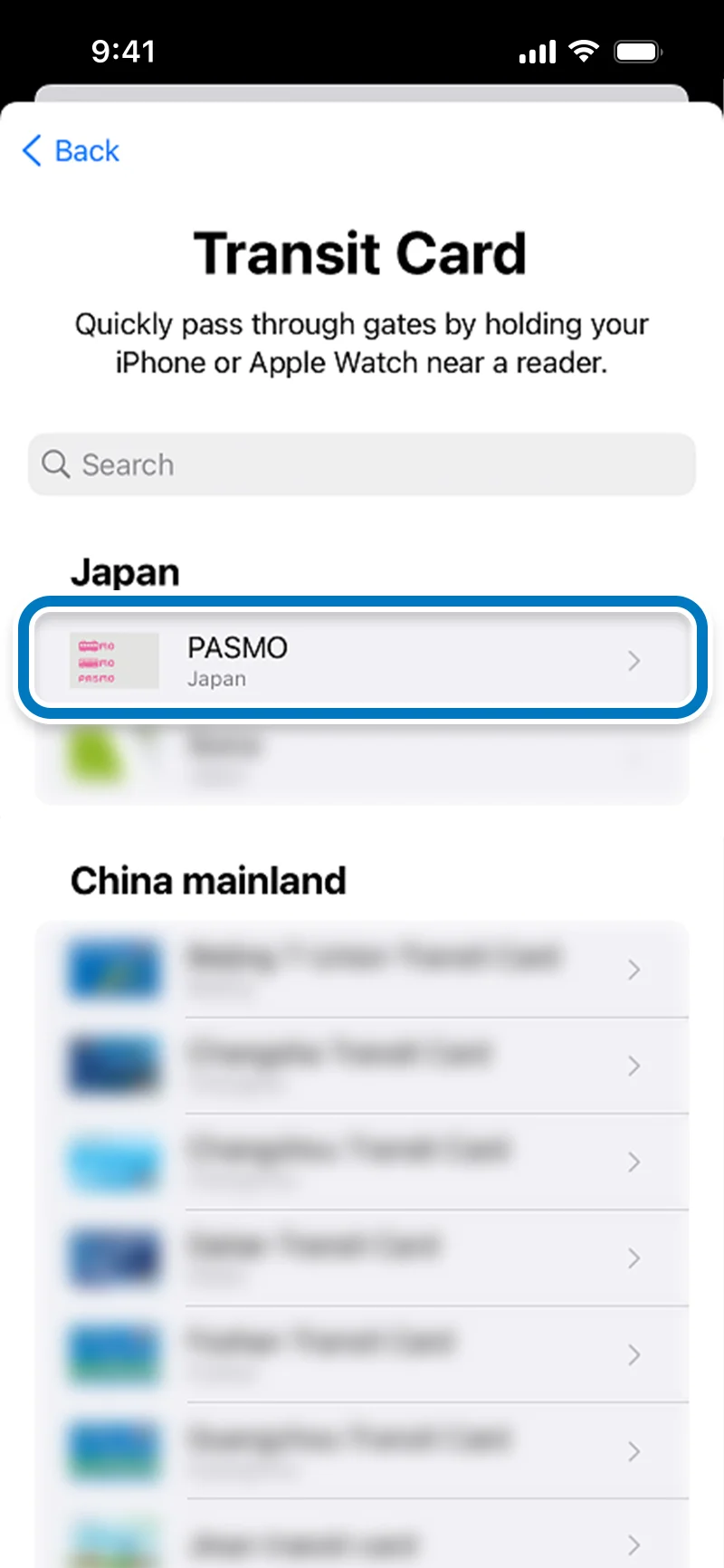
Tap "PASMO" on the "Transit Card" page.
-
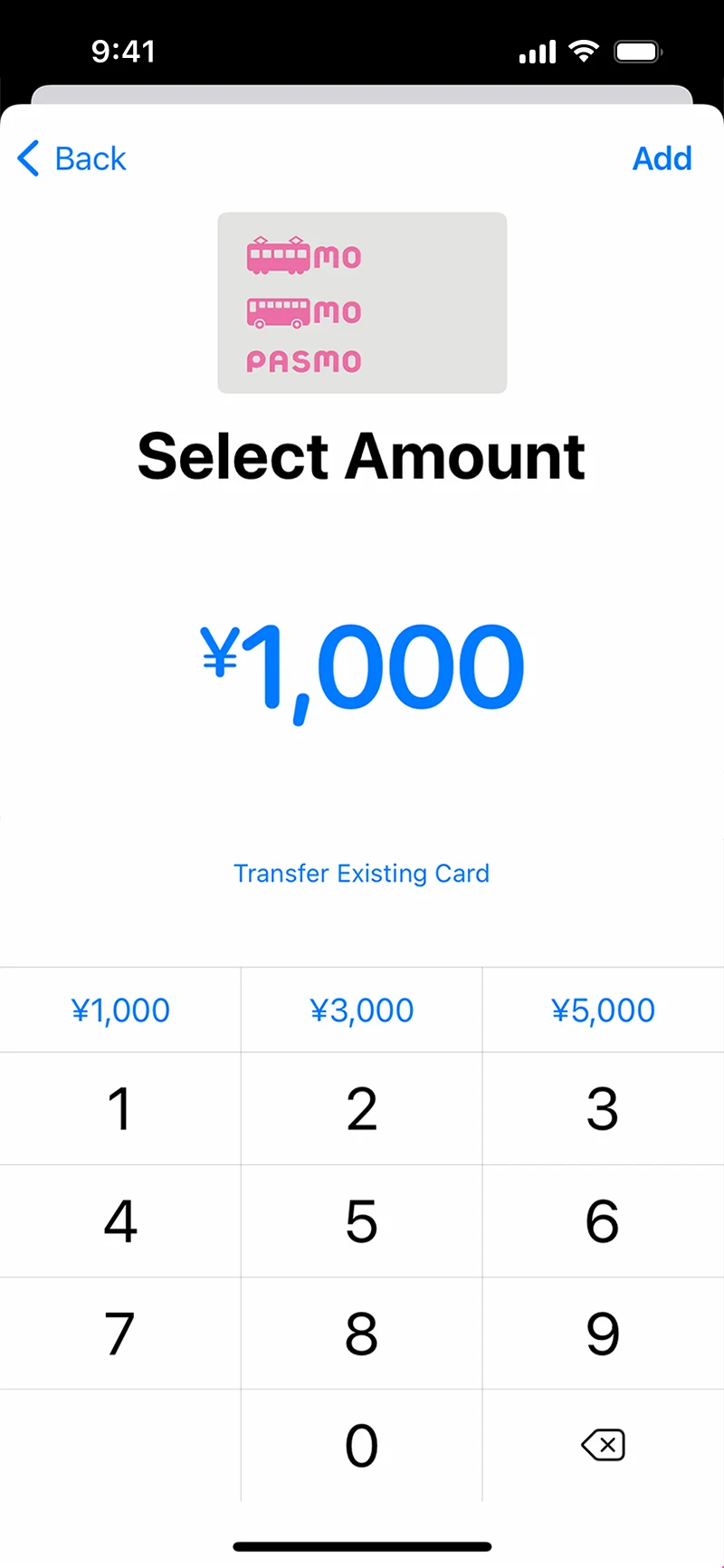
Select an amount to add to the transit IC card, then tap "Add."
-
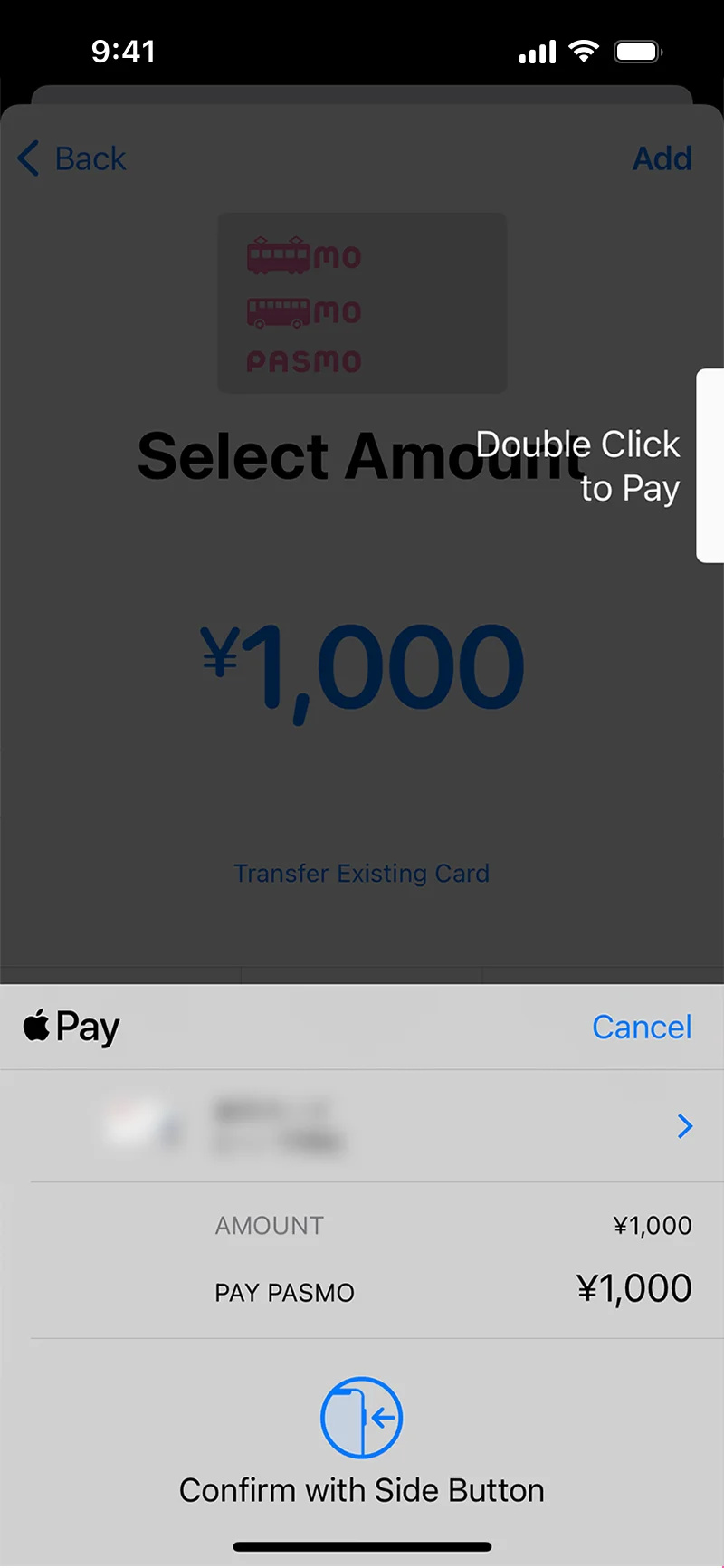
Agree to the membership terms and conditions and follow the on-screen instructions to approve the payment for the selected amount and create a new PASMO.

Setup (Apple Watch)
-
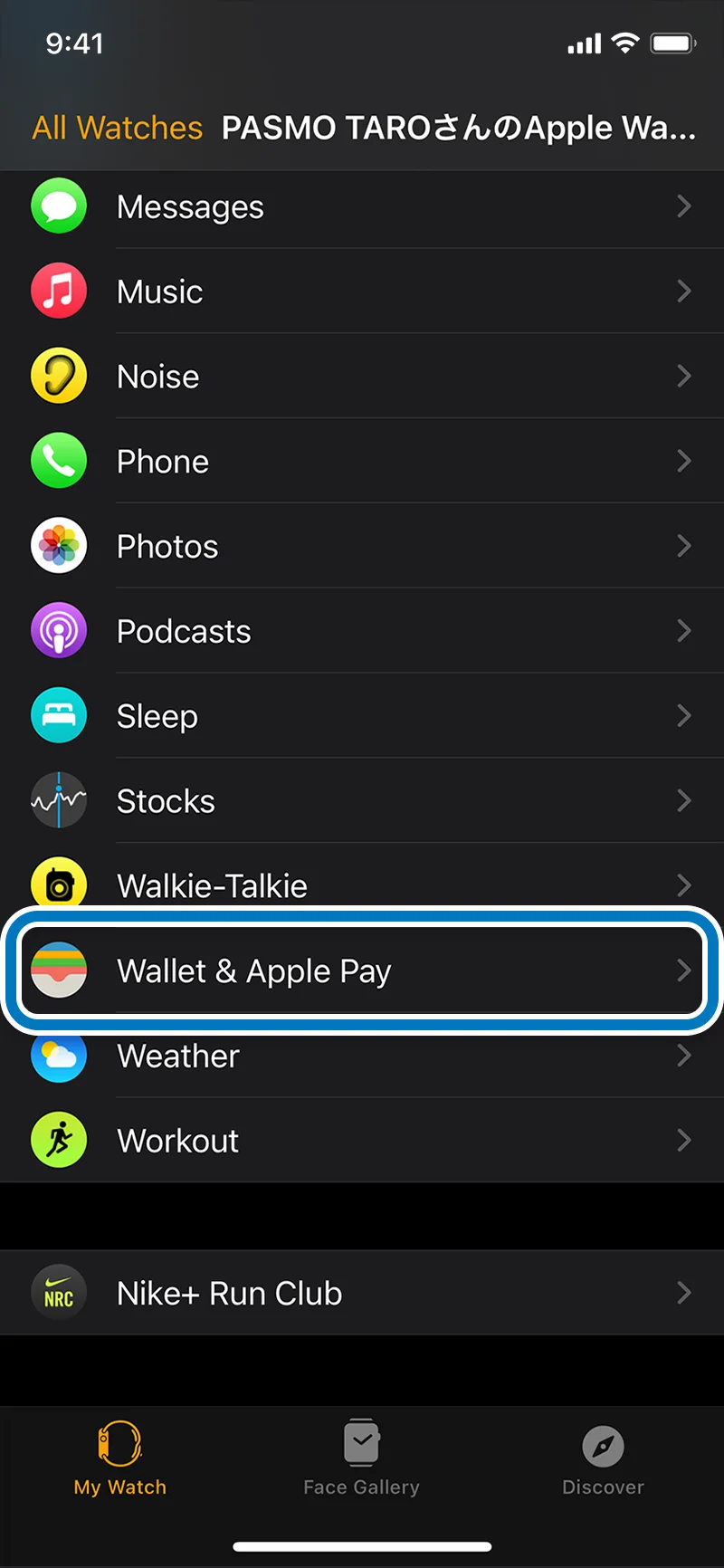
On your iPhone open the Watch App, select the tab that shows your watch, then tap "Wallet&Apple Pay."
-
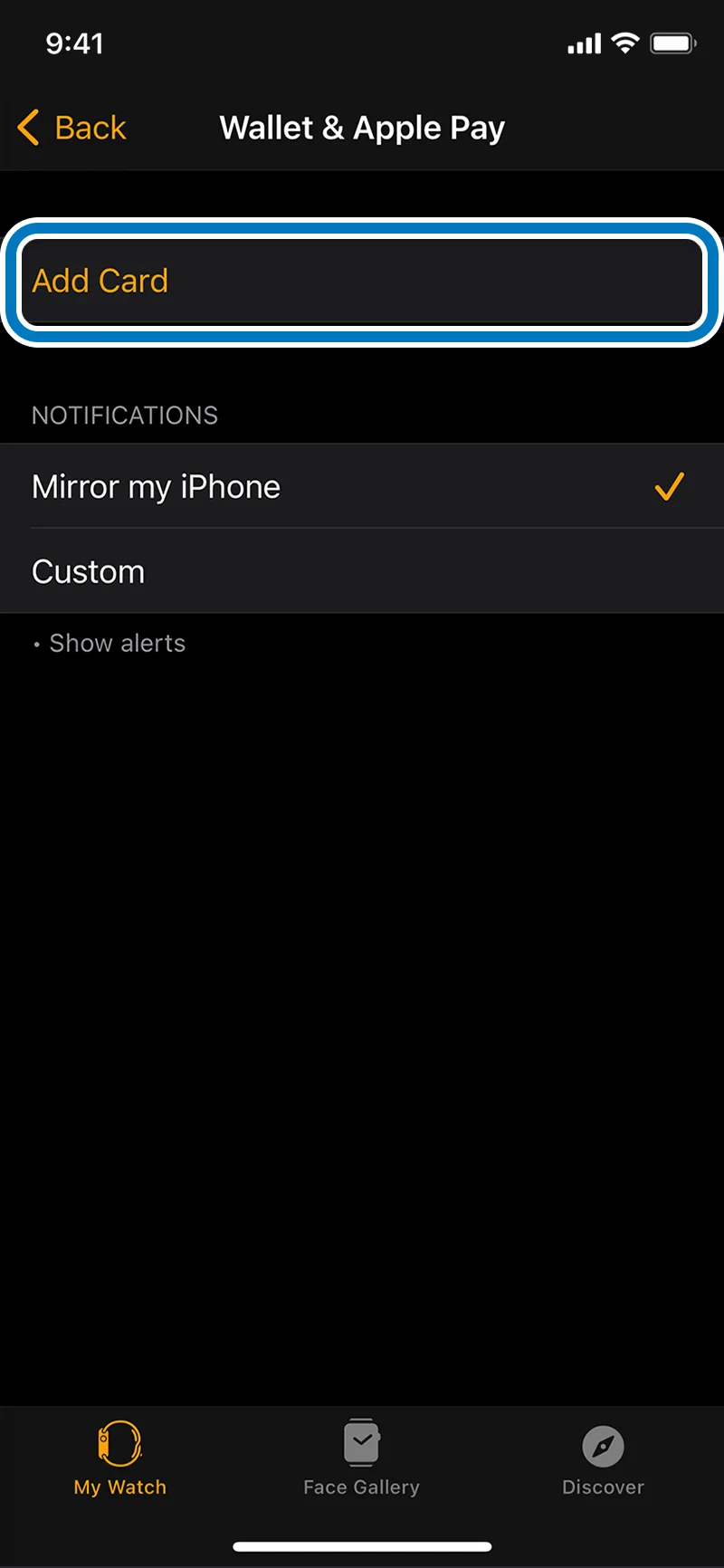
Tap "Add Card", follow the instructions, and tap "Continue."
-

Tap "Transit Card" on the "Add to Wallet" page.
-
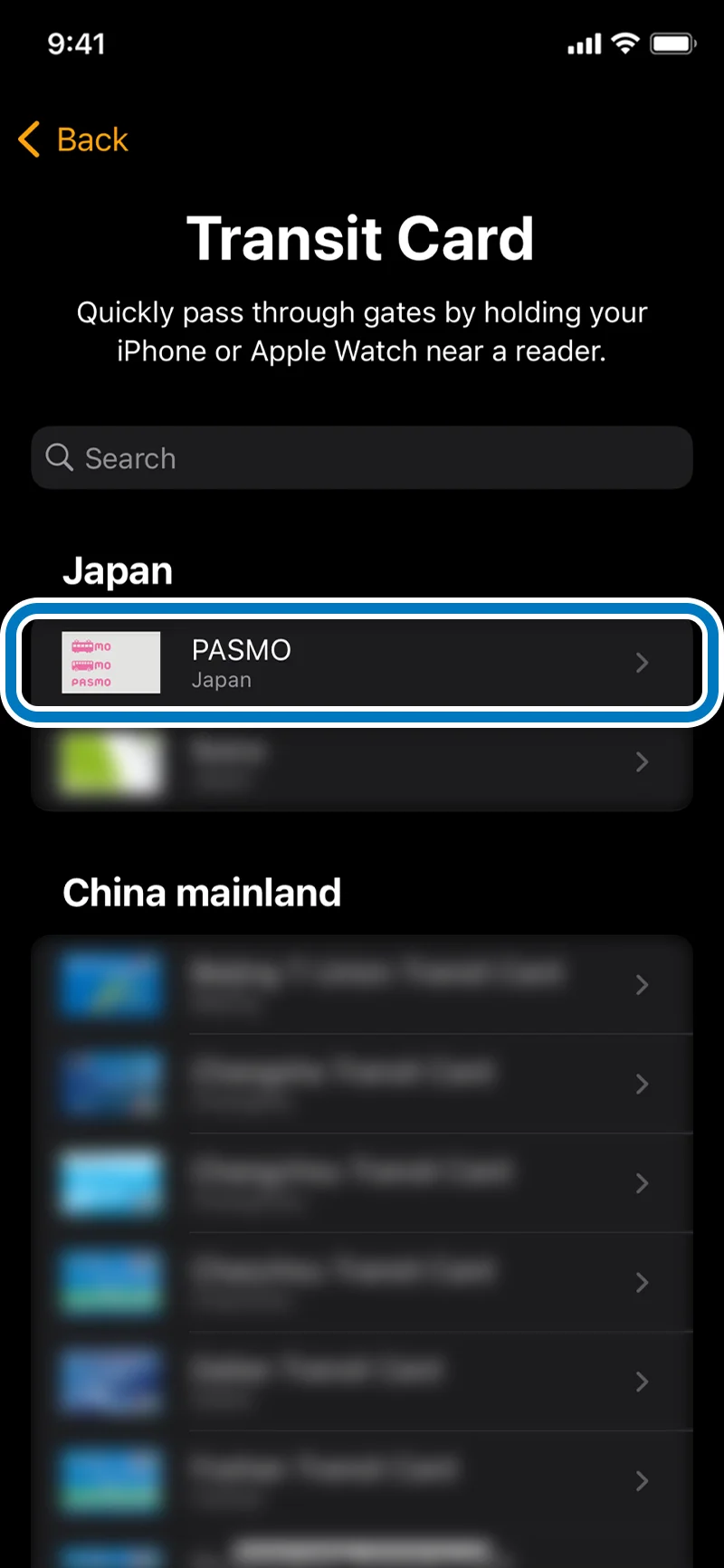
Tap "PASMO" on the "Transit Card" page.
-
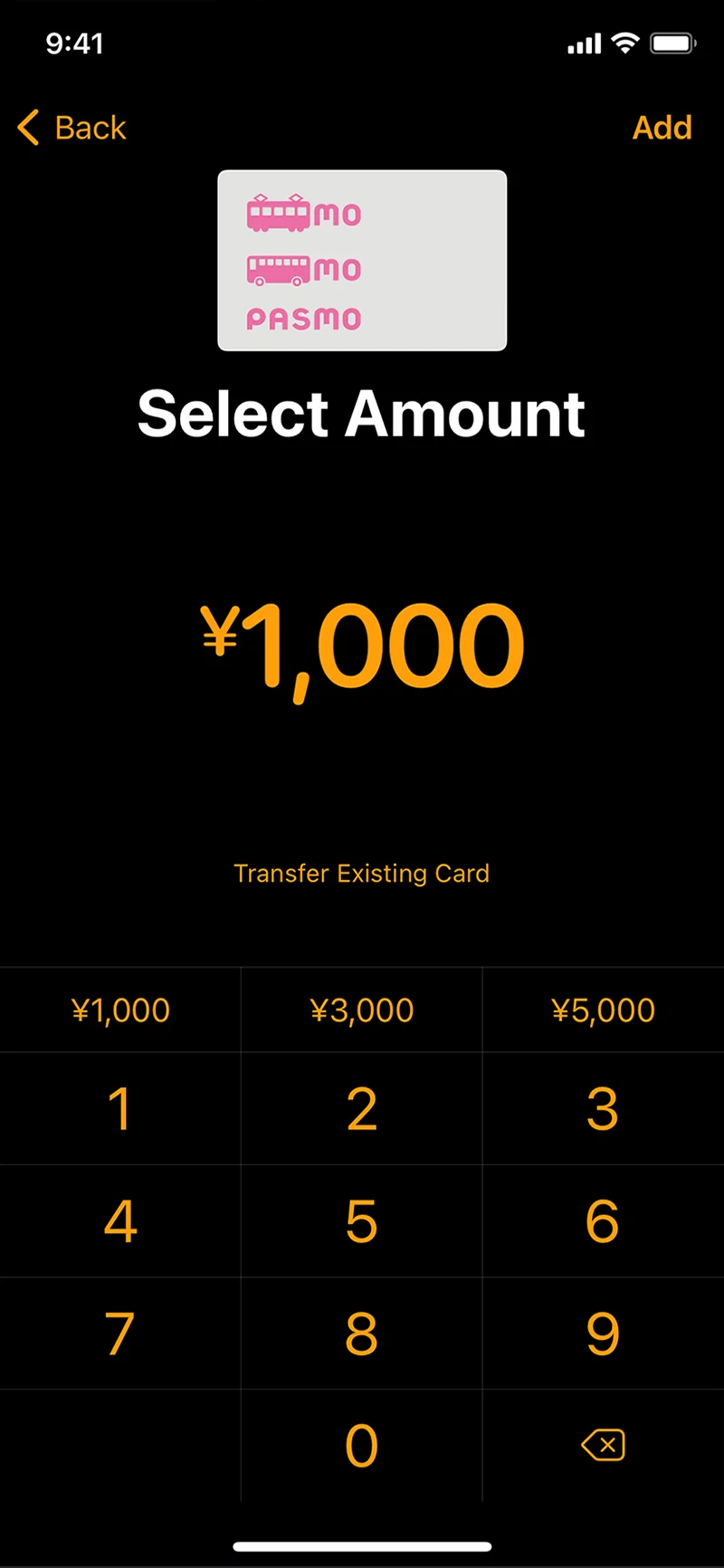
Select an amount to add.
-
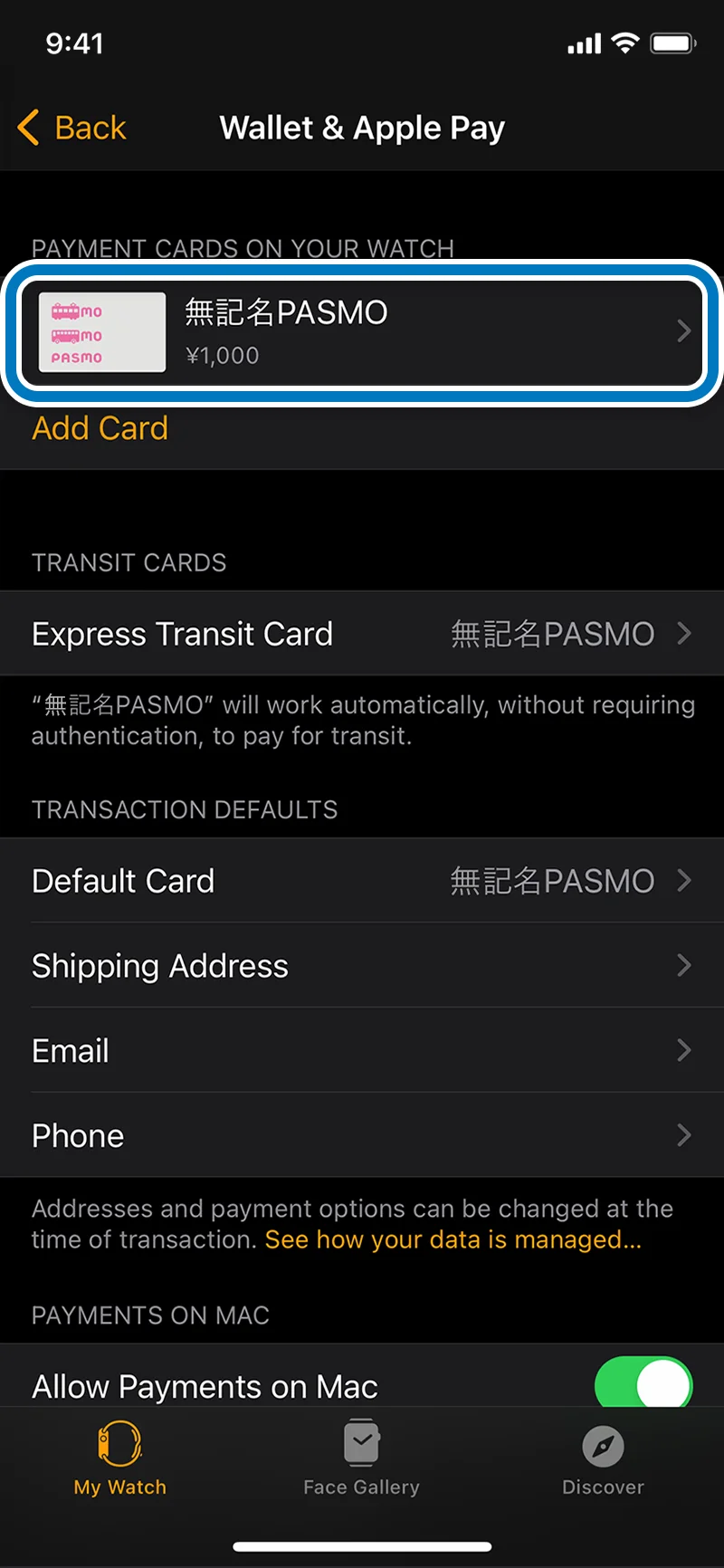
Follow the on-screen instructions to create a new transit IC card on your Apple Watch.
-
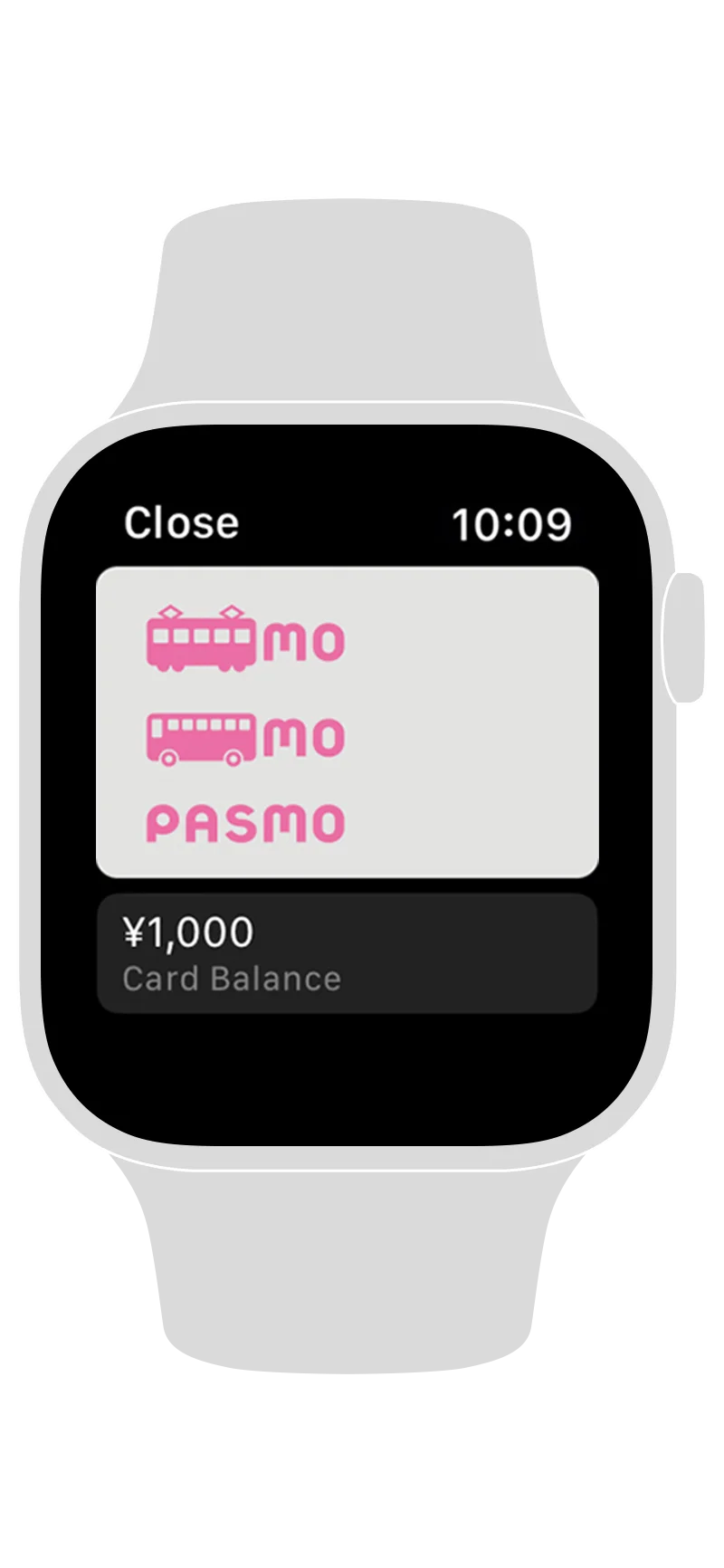
Once the transit IC card is created, it is automatically transferred to your Apple Watch and ready to use.
How to use PASMO on Apple Pay

Trains and buses
You can pay for fares on most trains, subway lines, and buses by touching PASMO to the automatic ticket gate reader.
Simply select “Express Transit Card” before taking the train or bus to pass through automatic ticket gates without Face ID/Touch ID (Can also be used without Face ID/Touch ID at some shops).
Express Transit Card setup
In the Wallet app settings, select PASMO as Apple Pay Express Transit Card.

Shopping
You can use SF (Stored Fare) on your PASMO to shop at stores that display the PASMO logo. Enjoy shopping with PASMO at many different locations, including convenience stores, restaurants, and shopping malls.
Top up PASMO in the Wallet app
Setup (iPhone)
-
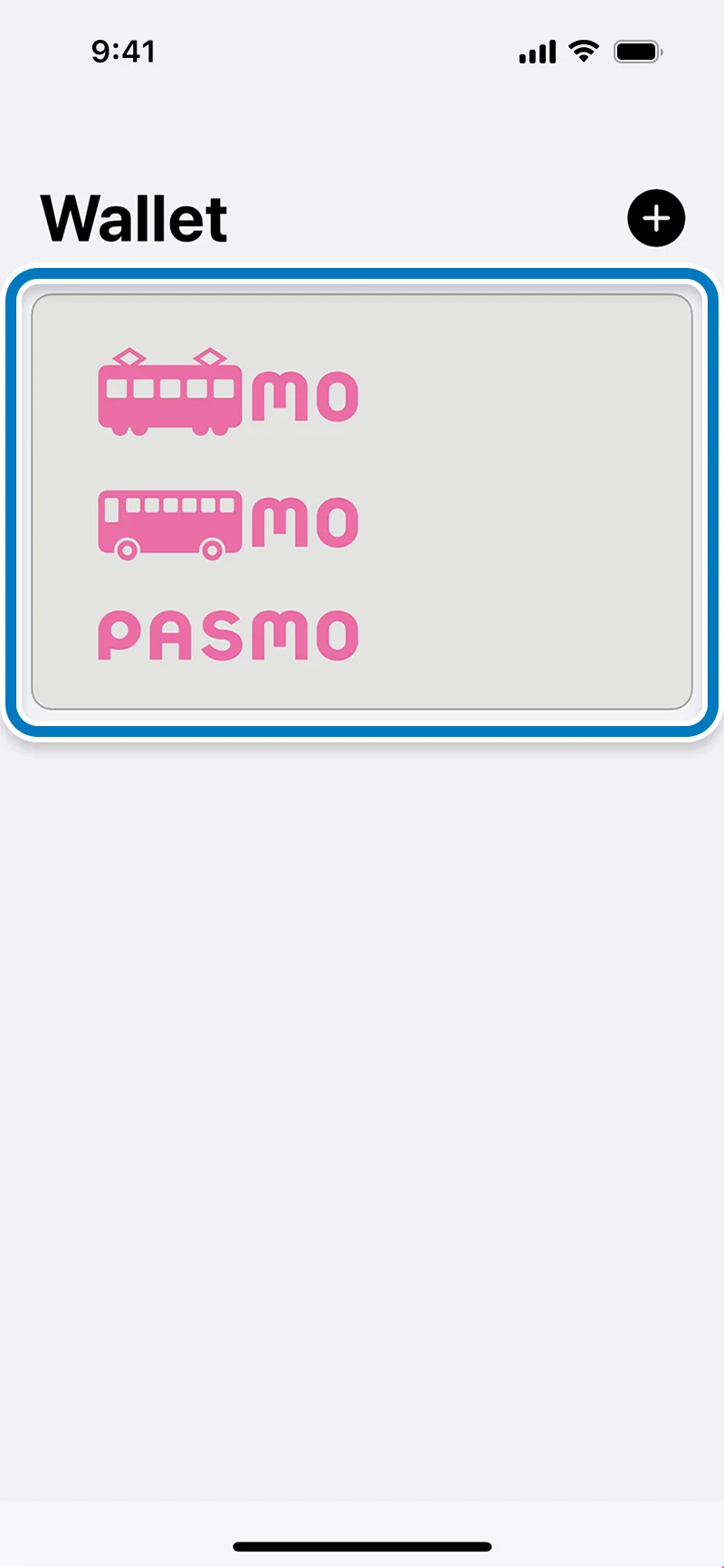
Open the Wallet app and tap the PASMO you want to top up.
-
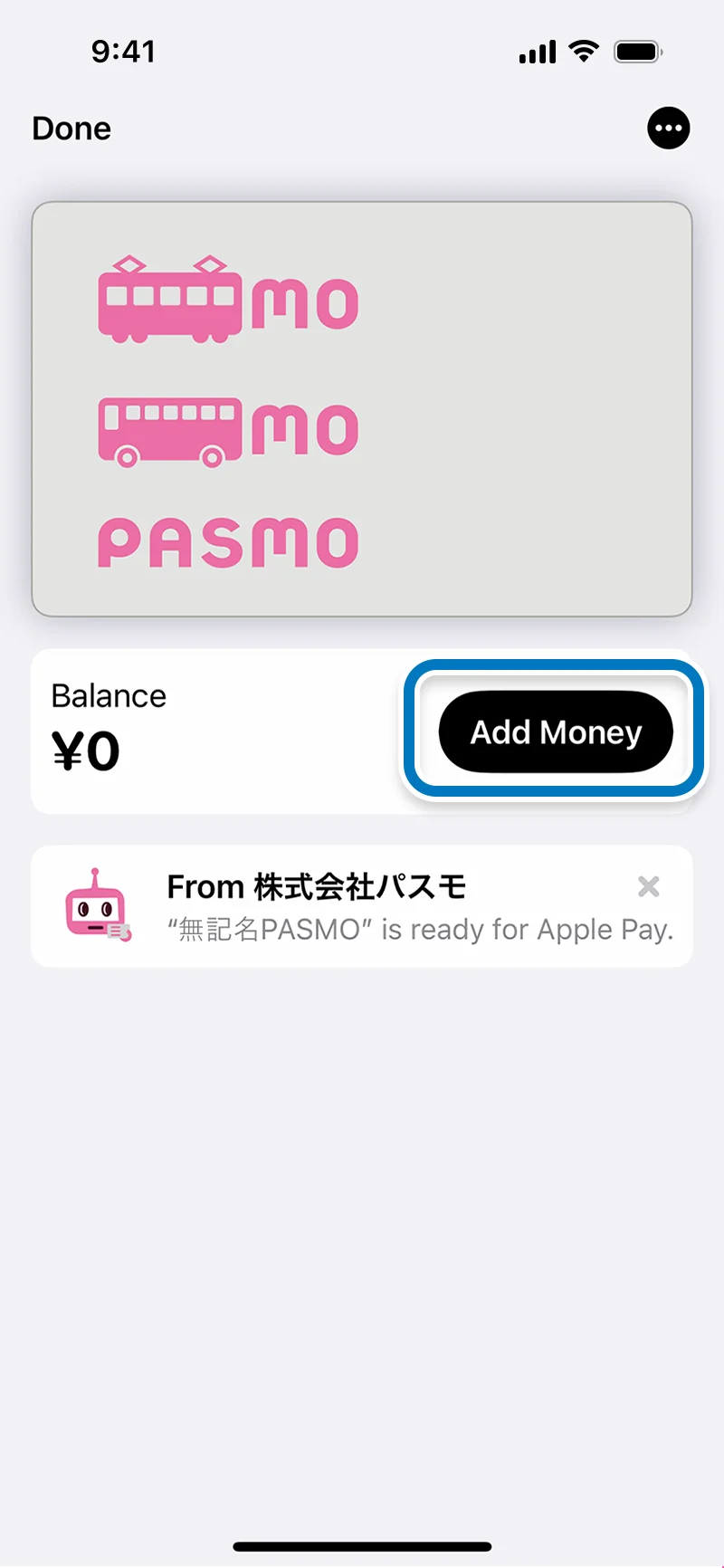
Tap "Add Money."
-
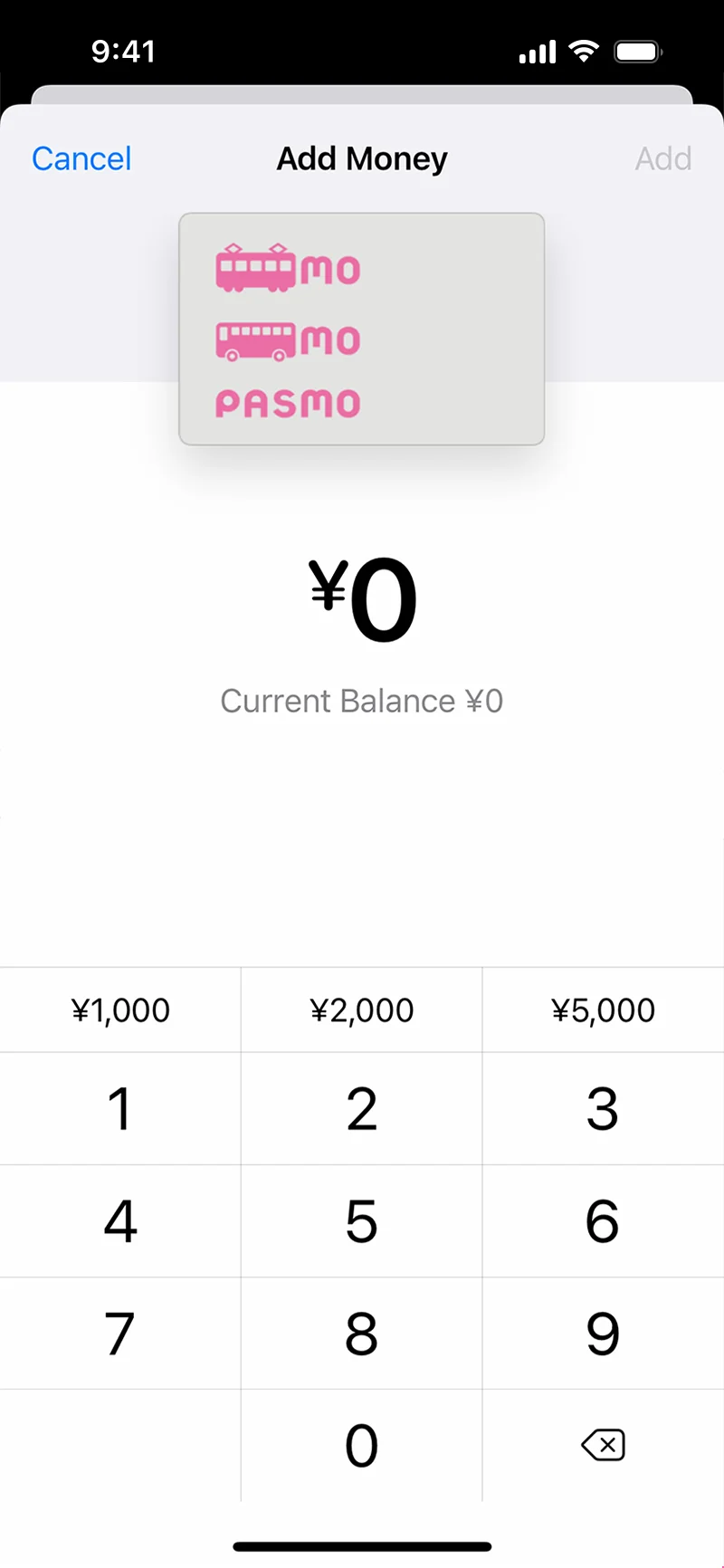
After entering the amount, tap "Add."
Select the payment card and use Face ID or place your finger on Touch ID to complete the transaction and top up your card.
Setup (Apple Watch)
-

Open the Wallet app and tap "PASMO."
-
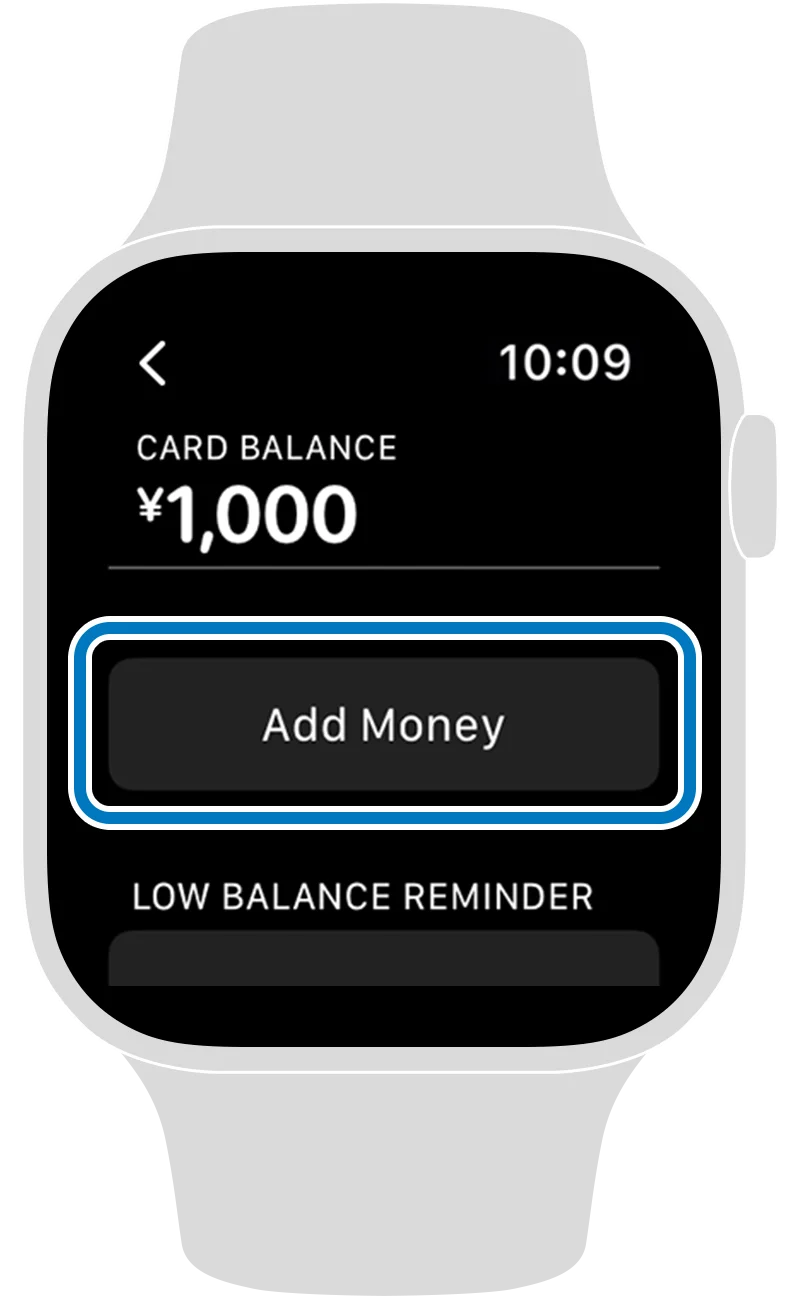
Tap "Add Money."
-

Use "+" or "-" to enter the Top Up amount and follow the on-screen instructions.
-
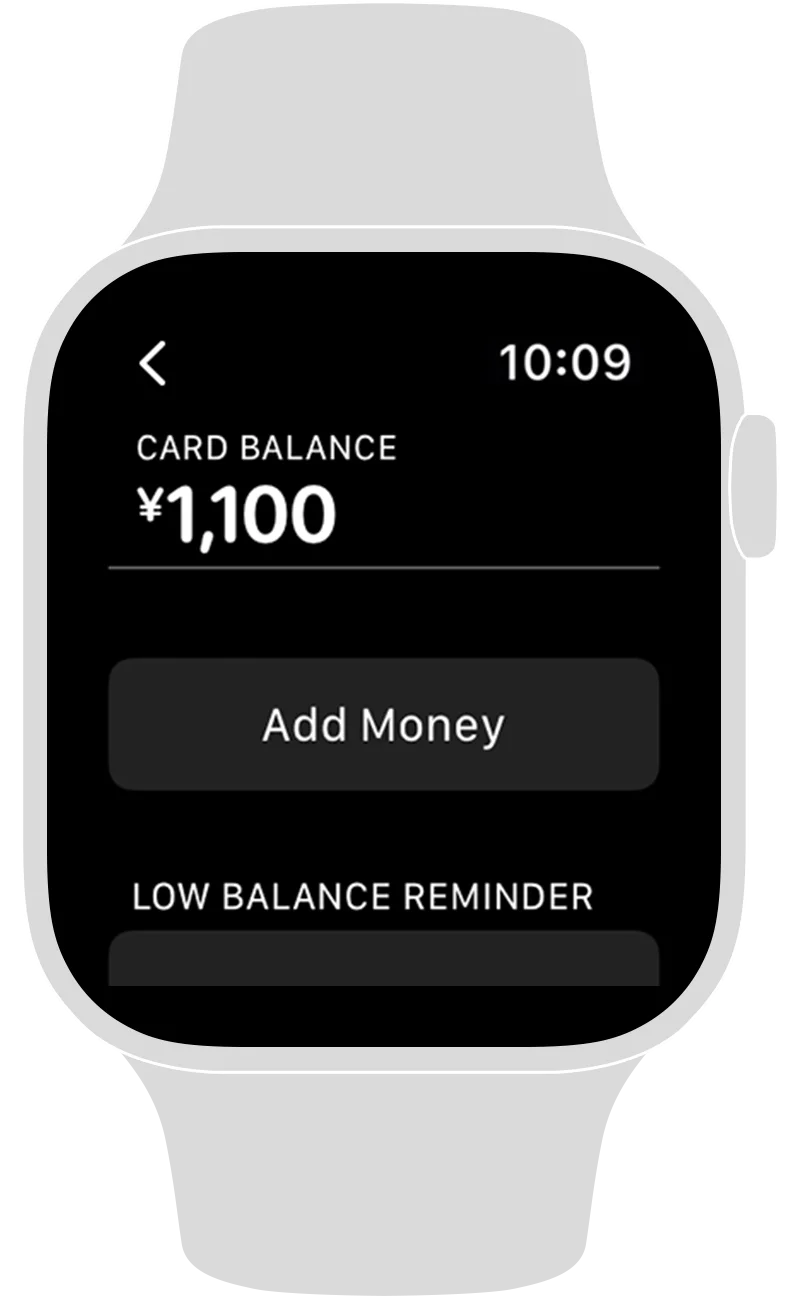
Top Up is complete.
Support and Frequently Asked Questions
Supported models
iPhone 8 and later running iOS14.0 or Apple Watch Series 3 and later (Face ID, Touch ID or models that use a passcode) running watchOS7.0